News and updates
Two logos on OSGB reports
Every report from an OSGB account shows the client firm's logo on the left of the header and your OSGB's logo on the right. Risk assessments, checklists and nonconformity reports all use the same layout.
- Logos come from the firm and OSGB profiles
- The same header in PDF and Word
- No extra setup
Checklists on one screen
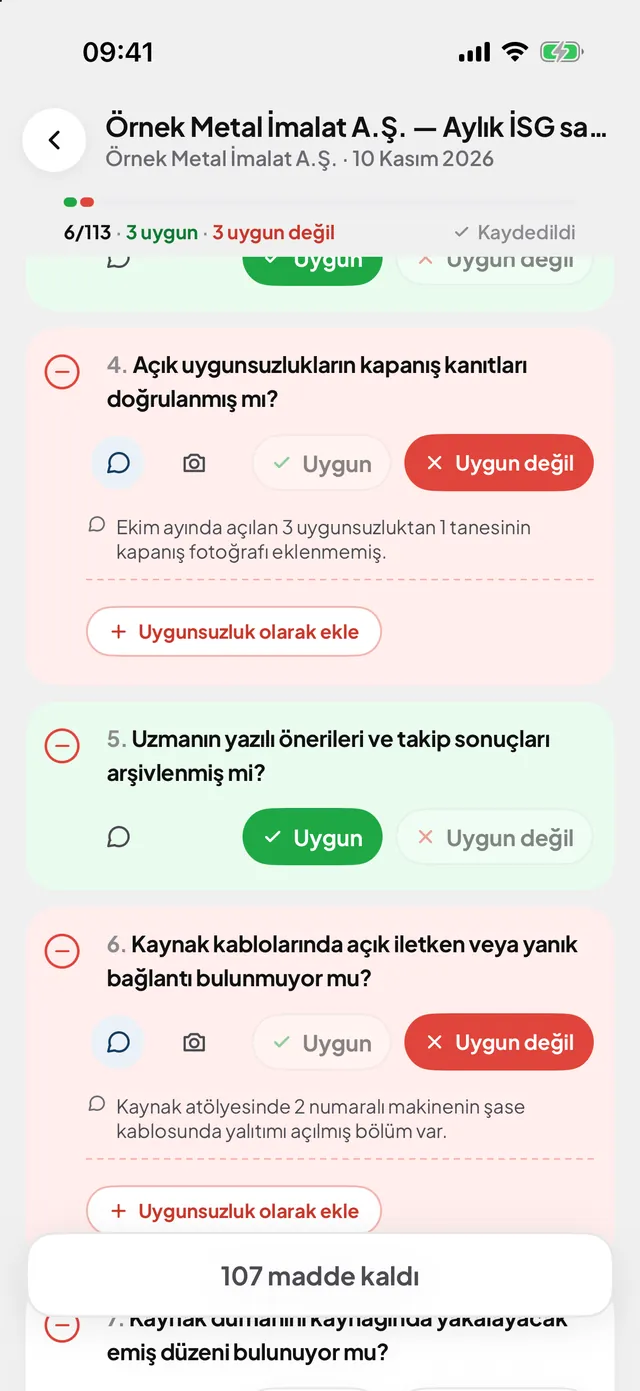
You now fill in a checklist on a single screen. Mark non-compliant items with one tap and turn them into nonconformities in bulk; out-of-scope items are listed separately in the report.
- An optional note on every row
- Add nonconformities in bulk
- Out-of-scope items listed apart in the report
İSGADA is now on the web
Work from your computer with the account you use on your phone. Firms, analyses and reports are the same on both; start a job on the web and finish it on your phone.
- Same account, same data
- Review reports on a big screen
- Sign in: app.isgada.com/giris
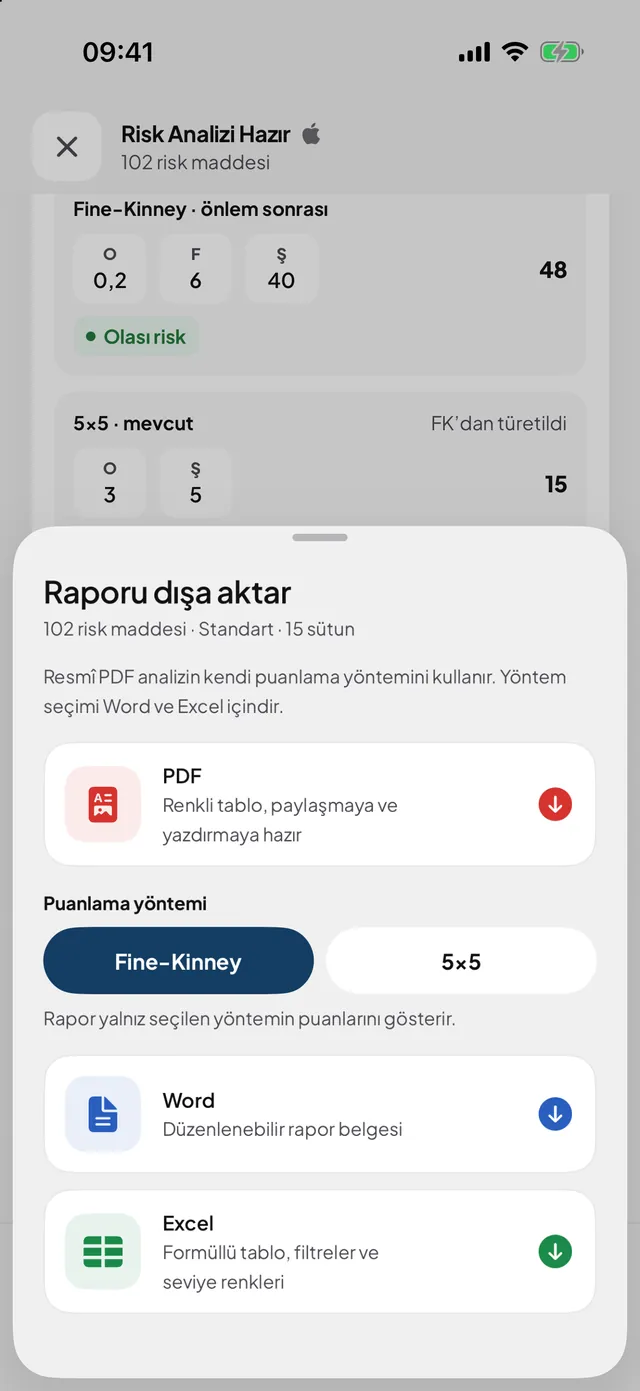
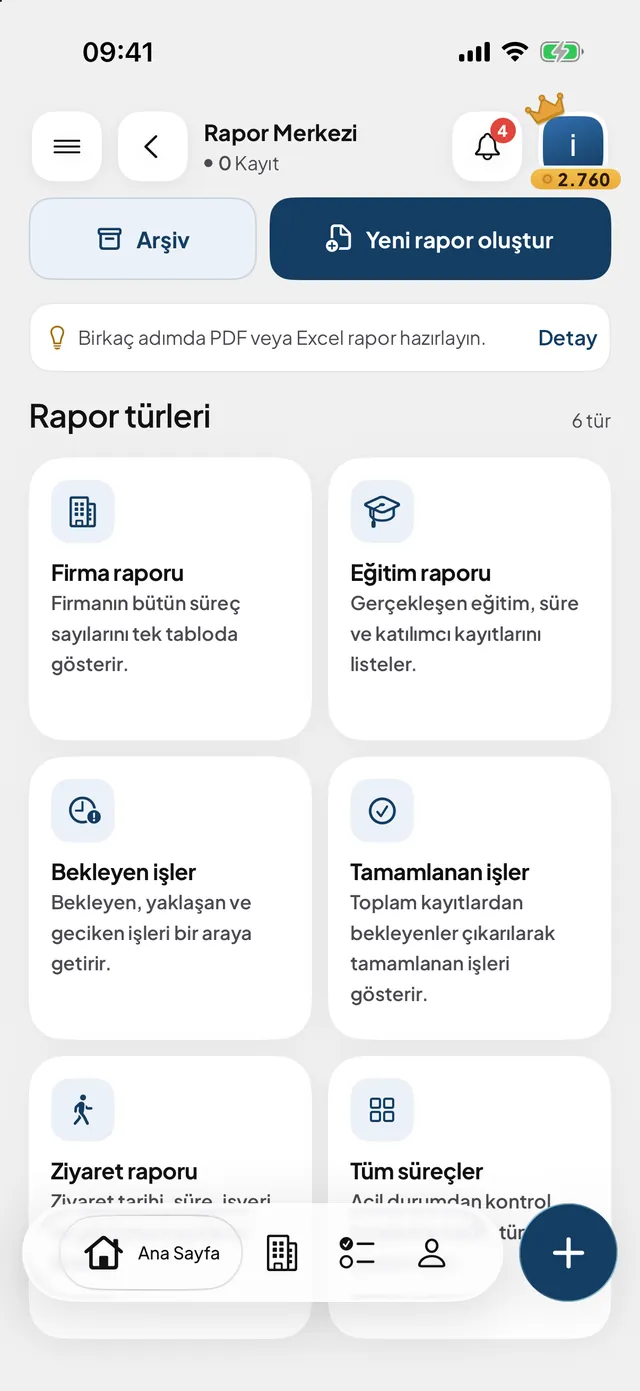
Risk report: PDF and Excel
Report your risk assessment with the method you prefer. Choose between Fine-Kinney and the 5×5 matrix, and download the output as PDF or editable Excel.
- Fine-Kinney or 5×5 matrix
- PDF and Excel output
- Report number and QR code